

We have discovered that many clients require assistance with files that are not suitable for large format printing services. As specialists in this field, we understand the importance of properly preparing your files to guarantee optimal output and achieve the greatest impact for your prints.
In this article, we will discuss the best practices and tips on how to prepare your files for large format printing.
Large format printing requires specific file specifications such as high resolution images, correct color profiles, proper bleed margins, and appropriate file formats. Failure to adhere to these requirements can result in poor quality prints or even worse, unusable ones.
Therefore, it is crucial to follow the recommended guidelines when preparing your artwork for print. By doing so, you can guarantee that your final product will be of top-notch quality and effectively communicate its intended message.
Understanding Large Format Printing
As technology advances, large format printing has become an increasingly popular choice for businesses looking to create eye-catching marketing materials. Such high-quality output provides the perfect platform for making your brand stand out from competitors. Common uses include outdoor billboards and indoor signage displays; however, its potential applications go beyond these traditional methods.
Choosing the right material is essential when it comes to large format printing. The importance of selecting the appropriate substrate cannot be overstated since it significantly impacts the final product’s quality and durability. Understanding how different substrates work will help you choose wisely and ensure that your finished product looks professional and lasts long-term.
In this section’s following paragraphs, we will explore why file preparation is crucial for achieving excellent results in large-format printing projects.
Importance Of File Preparation
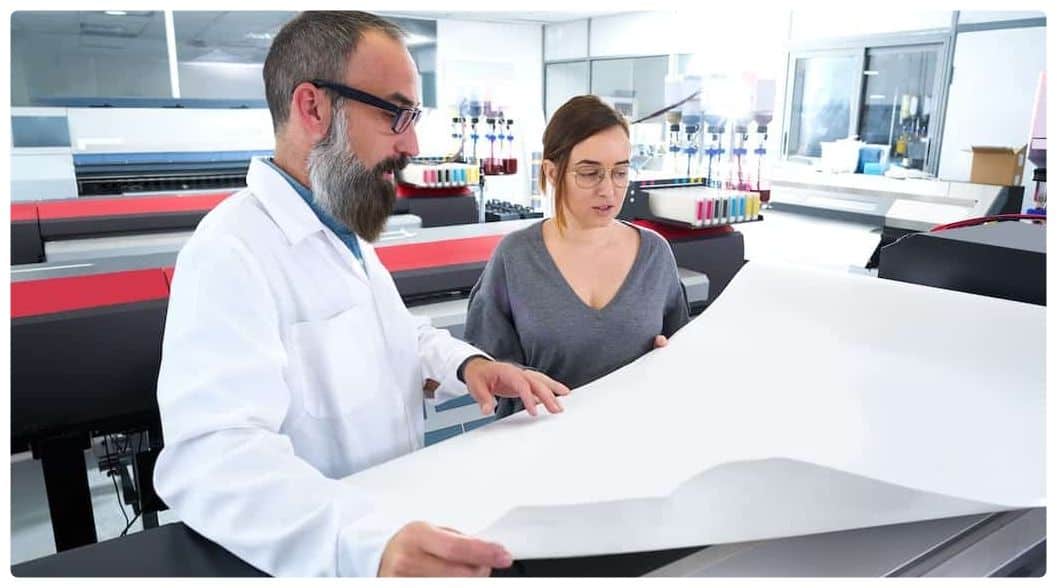
When preparing files for large format printing, it is essential to consider color spaces and resolution quality to ensure that the printed images are accurate and of the highest quality.
Taking the time to establish proper color profiles and pixel resolutions will ensure that the printed materials are vibrant and visually appealing.
Color Spaces
When preparing files for large format printing, one important consideration is color spaces. As a specialist in this field, I have seen many instances where clients submit their designs without considering the difference between RGB and CMYK color modes.
RGB is commonly used for digital media while CMYK is typically reserved for print projects. Choosing the wrong color mode can lead to unexpected color shifts or even worse, inaccurate prints. Therefore, it’s crucial to convert your images into CMYK before submitting them for printing to ensure that you get the desired results.
Another factor that affects colors is monitor calibration; if your monitor isn’t calibrated correctly, it may display colors differently than they will appear when printed. By taking these factors into account when preparing your files, you’ll be much more likely to achieve high-quality prints that match your vision without any unpleasant surprises along the way.
Resolution Quality
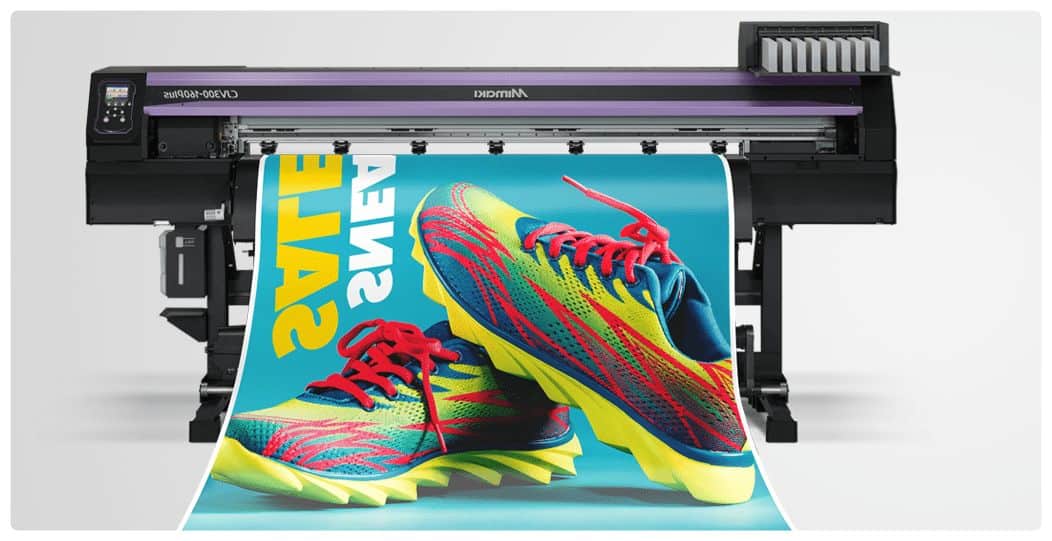
When it comes to large format printing, file preparation is key to achieving high-quality prints that accurately reflect your vision. In addition to color spaces and monitor calibration, resolution quality is another crucial factor to consider.
As a specialist in this field, I have seen many instances where clients submit low-resolution files that result in pixelated images or blurry text when printed at larger sizes. To prevent this issue, it’s important to upscale your images properly before submitting them for printing.
By doing so, you can ensure that the final product looks crisp and professional without any noticeable pixelation. Ultimately, taking the time to prepare your files with appropriate resolution will help guarantee a successful print job every time.
Choosing The Right File Format
Importance of file preparation cannot be overstated when it comes to large format printing. It can make or break the quality of your print and affect its longevity.
In this section, we will discuss choosing the right file format for your design. One important consideration is file compression. JPEG files are commonly used due to their smaller size but they compress the image data which results in loss of quality. For large format printing, uncompressed formats like TIFF should be considered as they preserve all details and ensure high-quality output.
Another factor to consider is file compatibility with printers. Large format printers generally support a range of file formats such as PDF, EPS, AI, PSD and others. However, not all elements within these files may be supported by every printer so it’s important to confirm with your printer vendor before submitting your final design.
To help you choose the right file format for your project:
- Consider using uncompressed formats like TIFF to avoid lossy compression.
- High-resolution images require larger files sizes that may need specific software tools to manage effectivel.
- Be aware that higher resolution does not always mean better quality; at some point there are diminishing returns on increasing dpi beyond what the human eye can perceive.
- Ensure you understand the limitations and requirements of the printer being used.
- Check whether vector graphics are preferred over raster images.
- Understand color profiles and how they affect the final output.
Choosing the right file format ensures compatibility with printers and preserves image quality making sure your prints look stunning now and in years to come. In our next section, we’ll talk about high-resolution images and how they impact print quality.
High Resolution Images And Dpi
As a large format printing specialist, I always get a chuckle when clients send me images that are low resolution and compressed beyond recognition. Perhaps they believe that the magic of printing will enhance their files to crystal clear quality. Unfortunately, this is not the case.
The reality is that file compression techniques result in poor image quality and an overall lackluster print job. To ensure high-quality prints, it’s essential to use high-resolution images with at least 300 DPI (dots per inch). This ensures that there’s enough detail in your image for it to be printed without any pixelation or blurring. However, be mindful of file size management as larger files can take longer to upload and process.
When preparing your files for large format printing, remember these tips:
- Save your images in TIFF or PSD formats instead of JPEGs since they retain more data.
- Avoid upsizing smaller images as this results in blurry prints.
- Consider using specialized software like Photoshop to adjust color levels and brightness before sending them off for printing.
In doing so, you’ll achieve better results from your prints while ensuring that the final product matches what you had envisioned.
Next up on our list is understanding color profiles and calibration- let’s dive into this topic further!
Color Profiles And Calibration
Color Management is an important process for ensuring accurate and consistent color reproduction in large format printing.
ICC Profiles are used to define the color characteristics of a given device, such as a monitor or printer, and are essential for color accuracy across different devices.
Color Management
Achieving accurate color reproduction is crucial in large format printing. As a specialist, it’s essential to ensure that your files are prepared with the correct color profiles and calibrated to match your printer capabilities.
Color accuracy is paramount as it can make or break a project, especially when dealing with corporate branding or high-end photography. By properly calibrating your monitor and using appropriate color profiles for both input and output devices, you can achieve consistent results every time.
Remember, understanding the nuances of color management will improve your final product and instill trust with clients who require quality printing services.
Icc Profiles
To achieve accurate color reproduction in large format printing, it’s crucial to understand the importance of using appropriate color profiles and calibration.
One essential tool that can aid in achieving color accuracy is ICC (International Color Consortium) profiles. These are standardized sets of data that describe the characteristics of a device’s color space, such as a printer or monitor.
By utilizing an ICC profile for your printer, you can ensure that your colors will remain consistent from screen to print while maintaining printer compatibility. This not only instills trust with clients who require quality printing services but also ensures that their corporate branding or high-end photography is accurately represented on paper.
As a specialist, incorporating ICC profiles into your workflow is necessary for improving the final product and achieving consistent results every time.
Bleed And Margin Considerations
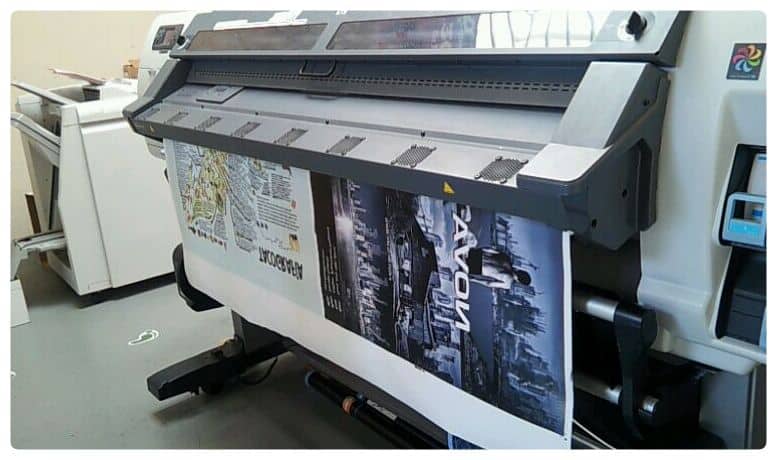
Bleed and margin considerations are important aspects of preparing files for large format printing.
A bleed refers to the extra space on a document that goes beyond its final trim size, which allows for any slight shifting during cutting without leaving white edges.
Margin, on the other hand, pertains to the distance between the edge of the printed content and the paper’s edge.
The right combination of both ensures that your artwork appears seamless and professional-looking.
When selecting papers for large format printing projects, it is essential to consider their weight and texture as they can affect how much ink will be absorbed by them.
Heavyweight papers tend to hold up better than lighter ones when subjected to handling or weathering.
Moreover, choosing textured paper may add depth and dimensionality to graphics but might also result in less sharpness in images compared with smooth-surfaced materials.
As such, it is best to select a paper type that suits your specific needs.
After determining appropriate paper selection and trimming options, make sure you proofread your work thoroughly before sending it off for printing.
This step involves checking if all elements are present, spelling errors are corrected, margins are set correctly, bleed lines have been added where necessary and images have high enough resolution for enlargement.
Quality control measures ensure that what you see on your screen translates accurately onto print material without issues like pixelation or blurriness.
With these steps taken into account, quality control and proofing helps prevent costly mistakes from occurring before production begins.
Moving forward into quality control and proofing phase after having considered bleed and margin considerations would help detect typographical errors early enough before final submission thus saving time while ensuring accuracy in typography layout design amongst other features contained therein.
Quality Control And Proofing
Like a chef who meticulously inspects each ingredient before cooking, quality control is an essential part of the large format printing process. It ensures that every print produced meets or exceeds industry standards and customer expectations. A well-executed proofing stage can save time, money, and reputational damage.
A reliable way to guarantee the accuracy of your prints is by developing a proofing checklist that covers all critical aspects of the project. This list should include file resolution, color profile, image size, bleed area, font usage, and crop marks placement. By adhering strictly to this checklist during prepress setup and throughout production stages, errors will be identified early on in the process and corrected promptly.
Print mockups are another crucial aspect of quality control. They allow customers to view their designs at actual size and provide feedback before committing to final production runs. In cases where exact colors are necessary for branding purposes, physical proofs may be required instead of digital ones.
The use of high-quality printers with calibrated equipment also aids in achieving accurate results that match clients’ specifications without unnecessary waste or delays.
In summary, ensuring quality output requires rigorous attention to detail from start to finish. Developing a proofing checklist tailored to individual projects helps maintain consistency while minimizing errors. Additionally, providing clients with print mockups allows them to visualize their designs accurately and make informed decisions about any changes they wish to make before printing begins. With these practices in place alongside top-of-the-line equipment and skilled professionals managing the process, you can confidently deliver superior printed materials that meet or exceed client expectations.
Frequently Asked Questions
What Is The Maximum Size That Can Be Printed With Large Format Printing?
Large format printing allows for the creation of large-scale prints that are perfect for outdoor advertising, event promotions, and other marketing campaigns.
When it comes to maximum print sizes, there is no definitive answer as it largely depends on a variety of factors such as large format printing file resolution and choosing the right substrate for large format printing.
As a specialist in this field, I would recommend that you always choose high-quality images with a minimum resolution of 150dpi or higher to ensure clarity and sharpness when printed at larger sizes.
It’s also important to consider the type of substrate you select, as this can have a significant impact on the final result.
For instance, vinyl substrates work well for outdoor applications because they are durable and weather-resistant while fabric substrates are ideal for indoor use due to their vibrant colors and texture.
By taking these factors into consideration, you can create stunning large-format prints that will make an impact on your target audience.
Can I Print A File With A Low Resolution On A Large Format Printer?
When it comes to printing low-resolution files on a large format printer, there are some key considerations to keep in mind.
One example is when a client wants to print an image taken from their phone or social media account, which can often be quite small and have poor resolution. In this case, scaling the image up can result in significant pixelation and distortion.
To avoid these issues, resizing graphics can help maintain the quality of the original file while still allowing for larger printing sizes.
As a specialist in large format printing, it’s important to understand how various factors such as DPI (dots per inch) and color mode can impact the final printed product.
By working with clients to properly prepare their files ahead of time and adjusting settings as needed during the printing process, we can ensure that they receive high-quality prints that meet their needs and expectations.
How Do I Determine The Correct Color Profile For My Project?
Choosing the correct color profile is crucial when preparing files for large format printing. Understanding color gamut and how it affects your project’s final output is essential in making informed decisions about selecting the appropriate color profiles.
It is important to note that different printers have various capabilities, so ensuring that you select a profile that matches your printer’s specifications will help avoid any unexpected color shifts or inaccuracies in your prints.
As a specialist in large format printing, my recommendation would be to consult with a professional if you are unsure about which color profile best suits your project’s needs. By doing so, you can ensure that your final product meets both your expectations and those of your audience.
Is It Necessary To Include A Bleed For Large Format Printing?
When it comes to large format printing, bleed importance cannot be overstated.
A bleed is the extra bit of artwork that extends beyond the trim line of a document or image and ensures that there are no white borders around the final product.
This is especially important for large prints as they tend to require trimming after production.
As such, including a bleed in your files is crucial in preventing any unwanted artifacts on your prints.
Additionally, file types play an essential role in preparing your files for large-format printing.
It’s best to use high-resolution images with vector-based graphics so that you can scale them up without losing quality.
Overall, ensuring that you include a proper bleed and utilizing suitable file types will help ensure successful results when producing large format prints.
What Is The Turnaround Time For Large Format Printing Projects?
Turnaround time for large format printing projects is dependent on various factors, including the complexity of the design and the number of prints required.
As a large format printing specialist, it is important to understand that communication with clients plays a crucial role in ensuring timely delivery.
Open dialogue with customers can help identify potential roadblocks early on in the process, allowing you to make necessary adjustments before production begins.
To ensure optimal results, always have your files prepared correctly and ready for print as this can significantly minimize turnaround time.
In conclusion, while there are many factors affecting turnaround time, staying organized and maintaining open lines of communication is key to successful project completion within set timelines. It also becomes especially important to know how to choose a reliable large format printing service provider in order to unlock the full potential of your projects.
When it comes to preparing files for large format printing, there are several best practices and tips that you should keep in mind.
Firstly, it is important to consider the maximum size that can be printed with a large format printer as this will determine the resolution needed for your file.
Additionally, determining the correct color profile for your project is crucial in achieving accurate and vibrant colors on your final print.
It is also recommended to include a bleed in your design to prevent any unwanted white space around the edges of your print.
As a large format printing specialist, I understand how important it is to meet deadlines and offer a quick turnaround time for projects.
With proper preparation and attention to detail in file setup, we can ensure high-quality prints delivered within an efficient timeframe.
Overall, whether you’re creating banners, posters or other large-scale graphics, having a solid understanding of these best practices and tips will help guarantee successful results every time.
So let’s get creative and start bringing those big ideas to life.